
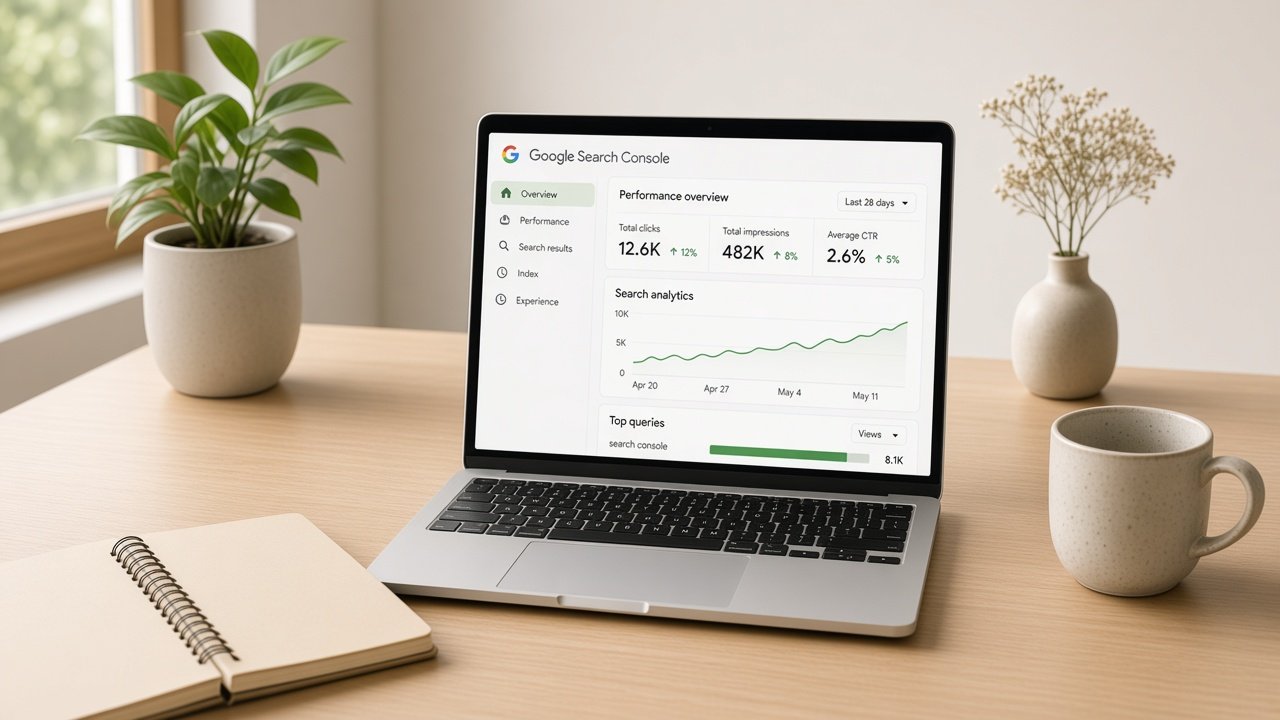
Did you know that, whether you’re just starting a blog, running a small business site, or managing content for a bigger brand, you’ve probably heard of Google Search Console. If not, no worries. This tool is one of the most helpful (and completely free) gifts Google gives website owners.
What Exactly Is Google Search Console?
Think of Google Search Console (often called GSC) as a friendly dashboard that shows you how Google sees your website. It tells you which pages show up in search, how many people click through, which keywords drive visitors, and whether anything’s broken or needs a change. No coding degree required. It’s designed for everyone from new site owners, busy entrepreneurs, content creators of all backgrounds, and seasoned marketers.
Why You’ll Want to Use It
Here’s the real talk: without GSC, you’re flying a bit blind. You might post great content, but if Google can’t crawl it properly or if technical issues are holding you back, fewer people will find you. With Search Console you can:
- See the actual search terms people use to find your pages.
- Spot and fix coverage problems (like pages that aren’t indexed).
- Check mobile usability and Core Web Vitals so your site feels good on every device
- Submit sitemaps and request indexing when you publish something new
- Monitor links and security issues
All of this helps more of the right people discover your work, whether they’re searching on a phone in a café, a laptop at home, or assistive tech.
How to get started:
- Go to Google Search Console.com and sign in with a Google account.
- Add your website (you can verify ownership with a few easy methods).
- Explore the performance report first; it’s the most useful place for most people.
- Check the Coverage and Experience sections every couple of weeks.
That’s what you’ve done. No monthly fee, no complicated setup for basic use. The interface has improved a lot and feels more approachable than it used to.
Start small. Look at your top-performing pages and the queries that already bring clicks. Then notice opportunities and queries where you appear but get few clicks. Those are often easy wins with better titles or clearer content. And if something looks off, don’t panic. Most issues have clear explanations and fix suggestions right in the tool.
Google Search Console won’t magically rank you overnight, but it gives you honest, useful feedback so you can improve steadily. It’s inclusive by design, helpful whether English is your first language or not, whether you’re technical or not,
And for more professional support, don’t forget to email us at Info@luxiconsulting.co.uk.
Author Profile

- Martha. K is a digital marketing strategist who helps entrepreneurs increase their online presence, leading to growth.
Latest entries
 Digital MarketingOctober 6, 2026Why are social media followers still of value in 2026
- TechnologyOctober 6, 2026Your cyber identity is under silent attack.
- Digital MarketingOctober 6, 2026why the highest bidder doesn’t always win in Google Ads
- TechnologyOctober 1, 2026Is My PC Eligible For The Microsoft Windows 11, Version 26H2